Campaign CTRL
The command center that powers winning campaigns. Door-knocking, phone banking, texting, and GOTV — organized in one place, from grassroots to victory night.
New here? Start with the Core Concepts — lists, surveys, and activities.
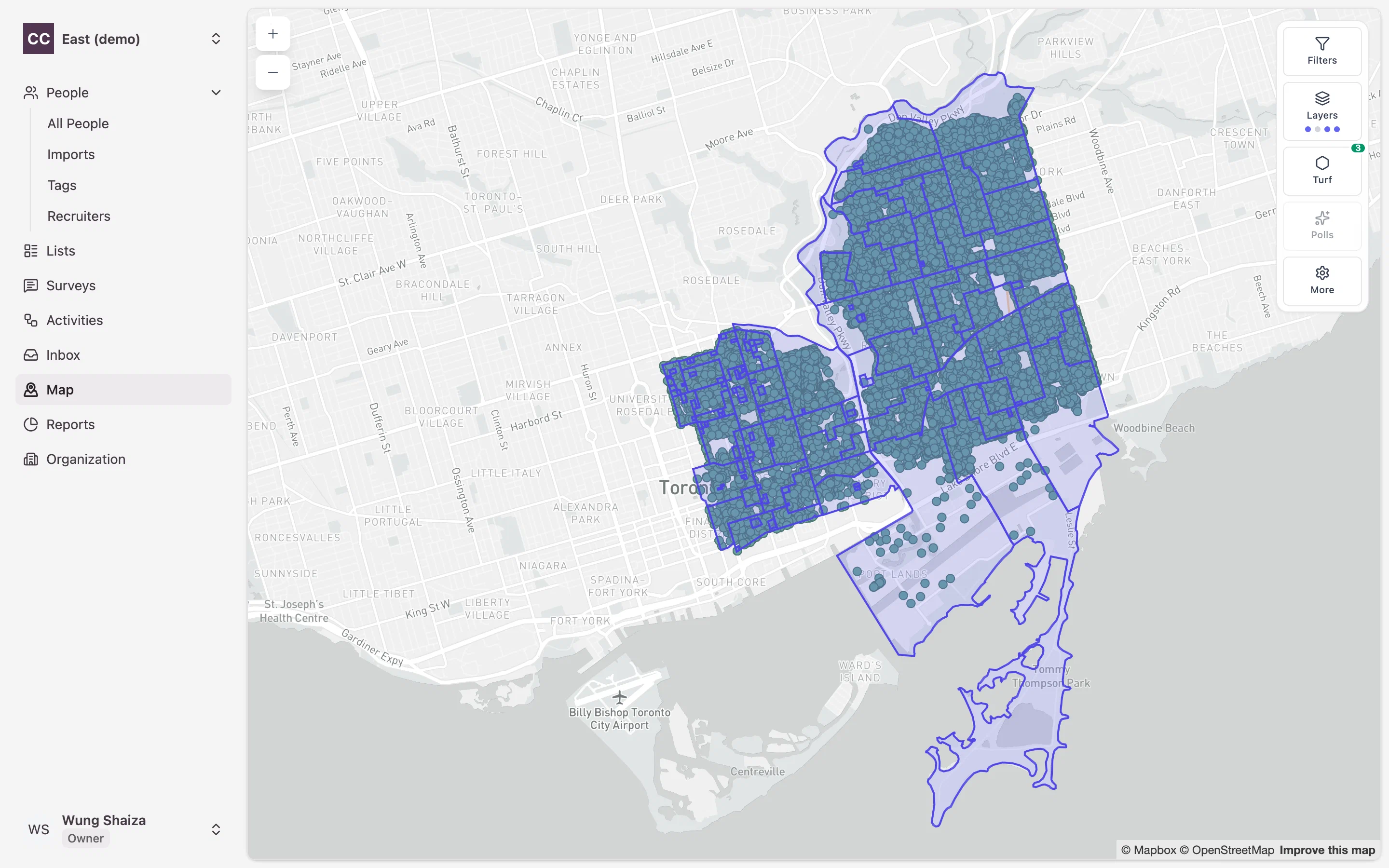
Everything a campaign needs to reach voters
CampaignCTRL brings targeting, scripts, outreach, and reporting together. These guides walk you through each piece — start with the concept, then follow a workflow.
Lists
Build the people you want to reach — from filters, the map, or a hand-picked set. Save a fixed snapshot or a live, self-updating dynamic list.
Surveys
Design reusable questionnaires whose answers do work for you — tagging people, setting support levels, or flagging do-not-call automatically.
Activities
Run door-to-door canvasses, phone banks, text blasts, and Get-Out-The-Vote pushes — each targeting a list and recording survey answers.
Maps & Turf
Draw turfs on an interactive map and scope a canvass to exactly the area you outlined, split into walkable polls for each volunteer.
Conversations
Two-way texting and a unified inbox keep every voter conversation in one thread, so nothing slips through the cracks.
Reports
Watch contact rates, support breakdowns, and turnout progress update as your volunteers work the field.
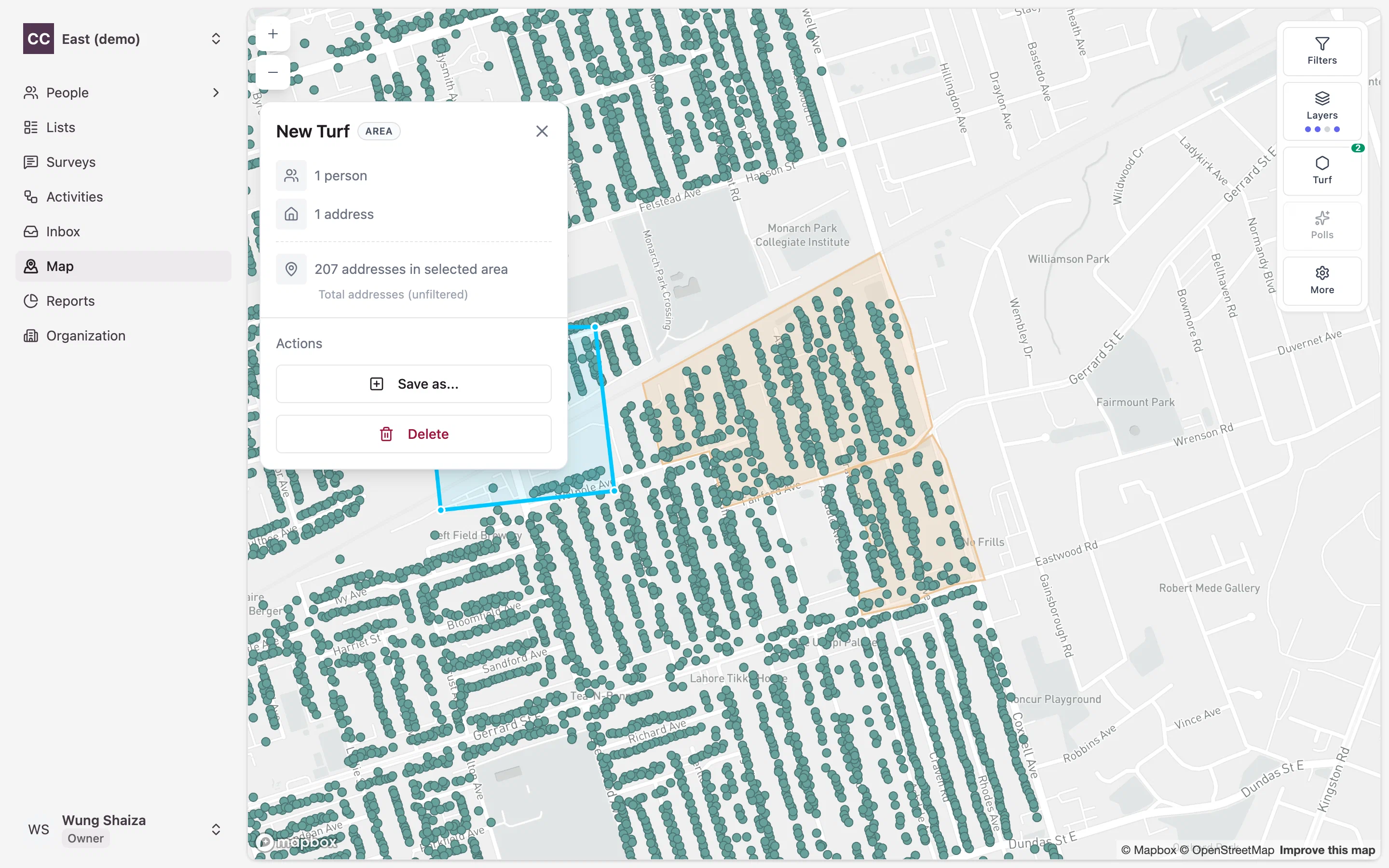
From a shape on the map to doors on the ground
One of the most common workflows in CampaignCTRL: outline an area, then turn it straight into a door-knocking activity scoped to everyone inside.
- drawDraw a turf on the map and save the boundary.
- fact_checkAttach a survey so volunteers know what to ask.
- directions_walkSend volunteers out with a walk list for the area.